
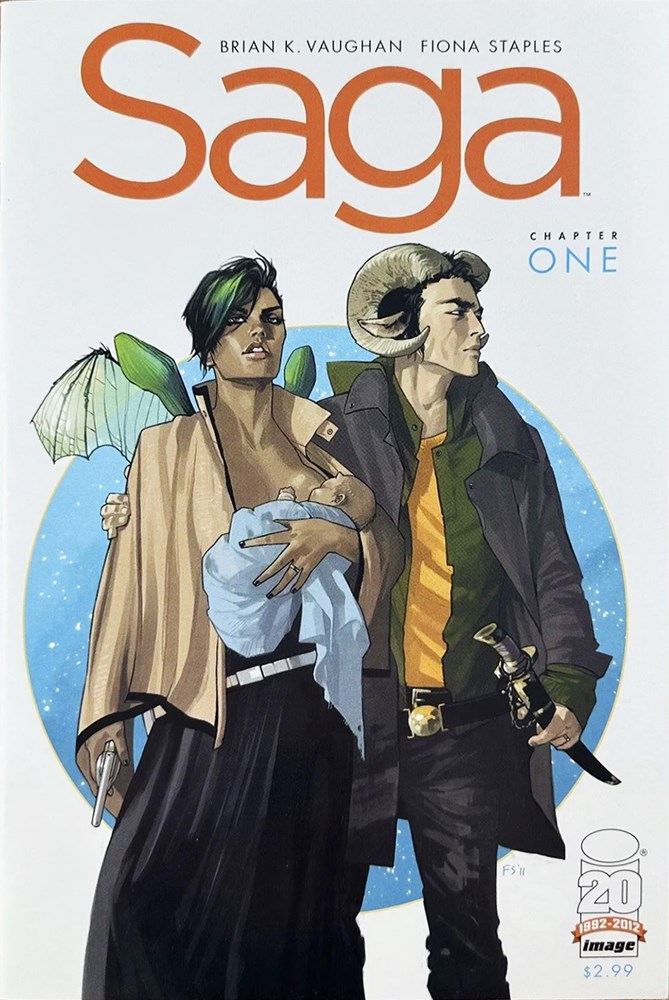
Bring in your stock
Connect Comicz to see available items and their private photos without uploading the same product information again.

Turn connected Comicz inventory into reviewed Instagram posts and Stories, schedule campaigns from one calendar, and keep posting while your PC is switched off.
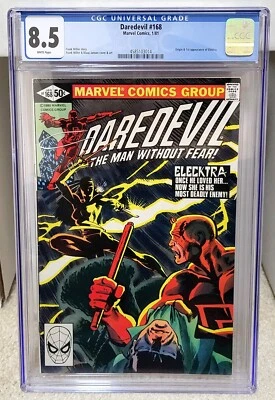
Instagram feed · 18:00
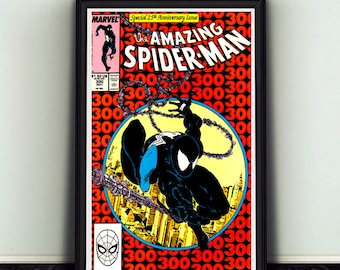
Photo feed + Story · Tomorrow

Review, reschedule or dismiss
Socialz keeps the creative work and the publishing decision together. You see the exact photos, caption, format and time before anything is approved.
Connect Comicz to see available items and their private photos without uploading the same product information again.
Prepare captions, format images for the feed, and choose whether the first photo should also become a Story.
Use the calendar to schedule reviewed content. The server keeps working when Socialz is closed and your computer is off.
Socialz understands the practical rhythm of comic selling: new arrivals, key issues, price-led adverts, Stories, campaigns and the posts that need another look before they go live.
Open a Comicz item with its title, price and private photos ready to use.
Keep the full photo post in the feed and optionally share the first image to your Story, with uploaded music when selected.
Choose eligible stock, posting hours and image treatment. Held adverts can be reviewed, rescheduled or dismissed.
See scheduled, published and attention-needed work in one place, with confirmed results kept against each post.
Socialz is designed around deliberate approval. It keeps private media private, rejects unauthenticated access, and shows work that needs attention instead of silently guessing.
The desktop app connects securely to the same Socialz service and includes in-app update checks for later releases.
Download Socialz for Windows ↓Official Fantasy Road download · SHA-256: 4D0C1EEB…1DE16D9
No. You can open the secure web studio at socialz.fantasyroad.co.uk. The Windows download gives you a dedicated desktop window and built-in update controls.
No. Once a post is approved and scheduled, the Fantasy Road server handles the publishing time.
Yes. You can keep a photo post in the Instagram feed and separately choose “Also share to Story”. Uploaded music is used only for Stories.
When Comicz is connected, Socialz can use the private inventory photos already stored for your items. They are not made into public bucket files.
Confirm the ZIP came from this official Fantasy Road page, extract all files first, then follow the Windows prompt. Keep every extracted file in the same folder.
Open the web studio now, or keep Socialz one click away with the Windows app.

Fantasy Road Ltd 2026 ©️ Registered in England and Wales (Company Number: 13507222). Registered office: 167-169 Great Portland Street, London, England, W1W 5PF